
What this page explains about Local Menu Finder
This page explains in straightforward terms what the Local Menu Finder service does.
Local Menu Finder focuses on restaurant and food spot menus around streets or addresses you choose, and it presents basic factual details such as place names, menu links, and physical addresses.
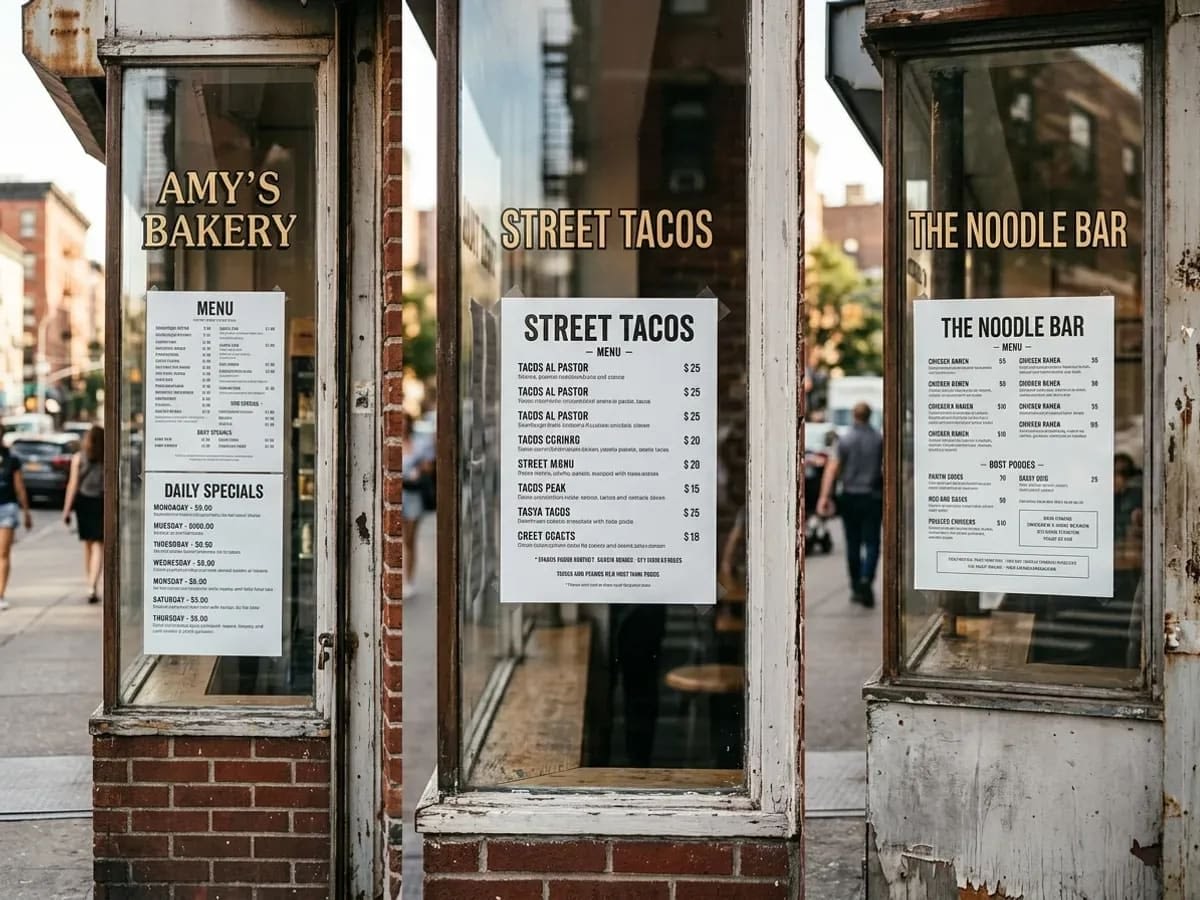
How your location shapes which menus you see
Local Menu Finder uses location information to decide which places to show first.
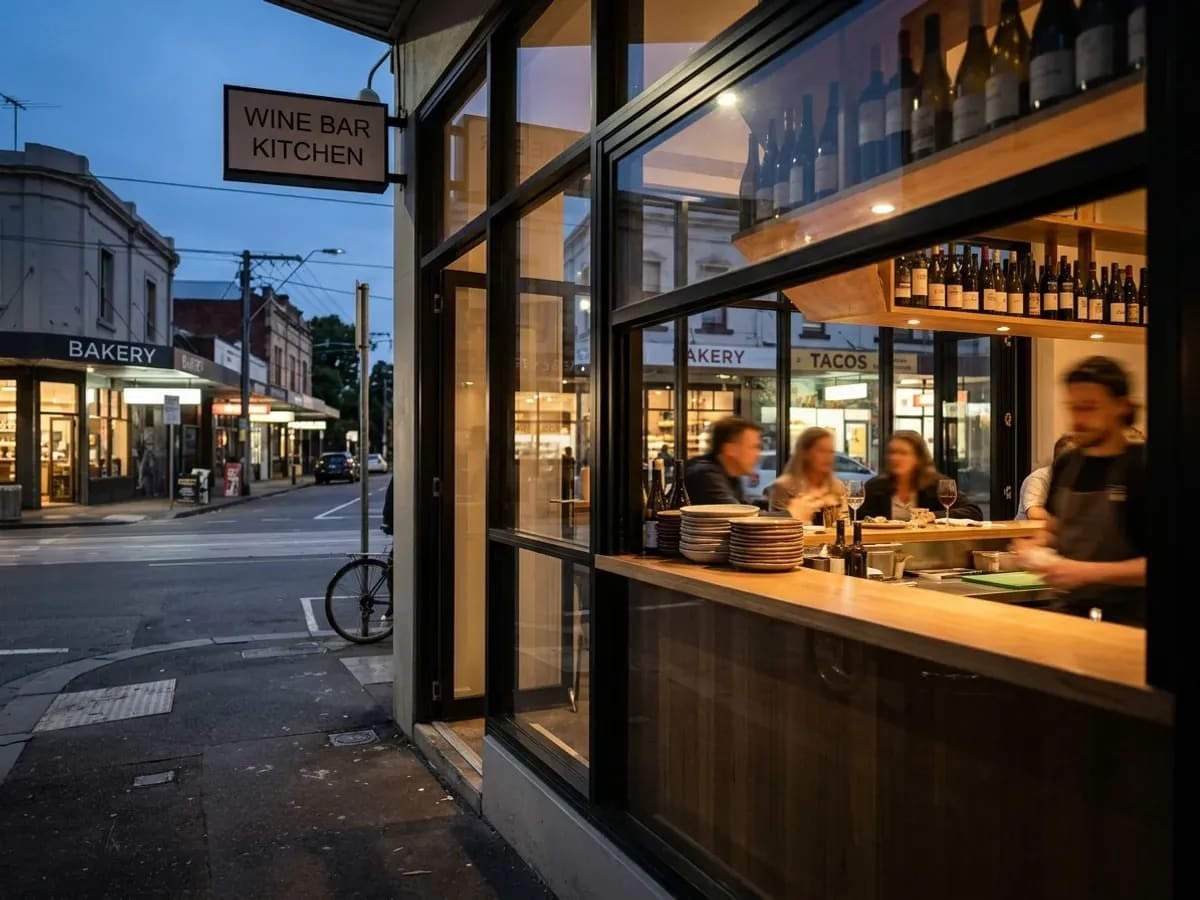
When you allow it, the site can use an approximate location from your device or browser to display places around you; you can also enter an address or neighborhood manually if you prefer.

You can move or change this reference point at any time to see menus around a different group of streets, for example when planning for another area.
If you choose to use automatic location features, please be aware of your device and browser settings for location access and adjust them according to your preferences.
Information shown on each place listing
Each listing is built from a set of standard fields so you can quickly understand the basics of a venue.

Local Menu Finder does not edit or control the menus themselves, so you should always open the menu link for the most direct and current information.
How Local Menu Finder handles accuracy and changes
Restaurant information can change, and Local Menu Finder works within that reality.
Requesting updates or new places
You can ask for listing changes or additions if something looks off or missing.
If you run or represent a venue, or you are a diner who sees an issue, you can use the “Add your address” page to share corrected details or suggest a place that should appear.
For general questions or broader issues, you can write via the “Contact” page so the team can review what you have noticed.
Requested changes may not appear immediately, and not every request can be acted on, but clear and factual information makes it easier to review and improve listings.