Browse menus by neighborhood name
Use this page to look up menus by selecting a neighborhood or small local area instead of relying on your device location.
You can type or choose a neighborhood, district, or other small area name and then see menus for places around the streets that belong to it.
This works well when you are planning to meet someone in a different part of town or want to check menus near a future stop before you travel there.
Select the local area you want to see
Choose the neighborhood or area that matches where you plan to be.
- Enter or pick the neighborhood name, confirm that the selected area matches the cluster of streets you have in mind, and then review the resulting list of places and menus around that zone.
- Neighborhood boundaries can vary, so the list is based on how places are grouped for this service rather than any official administrative borders.
Places listed in the chosen neighborhood
View venues in the selected neighborhood with their menus and address details.
Each listing shows the place name, a menu link, an optional image, any badges, available review details, and the full address so you can compare options within the same local area.
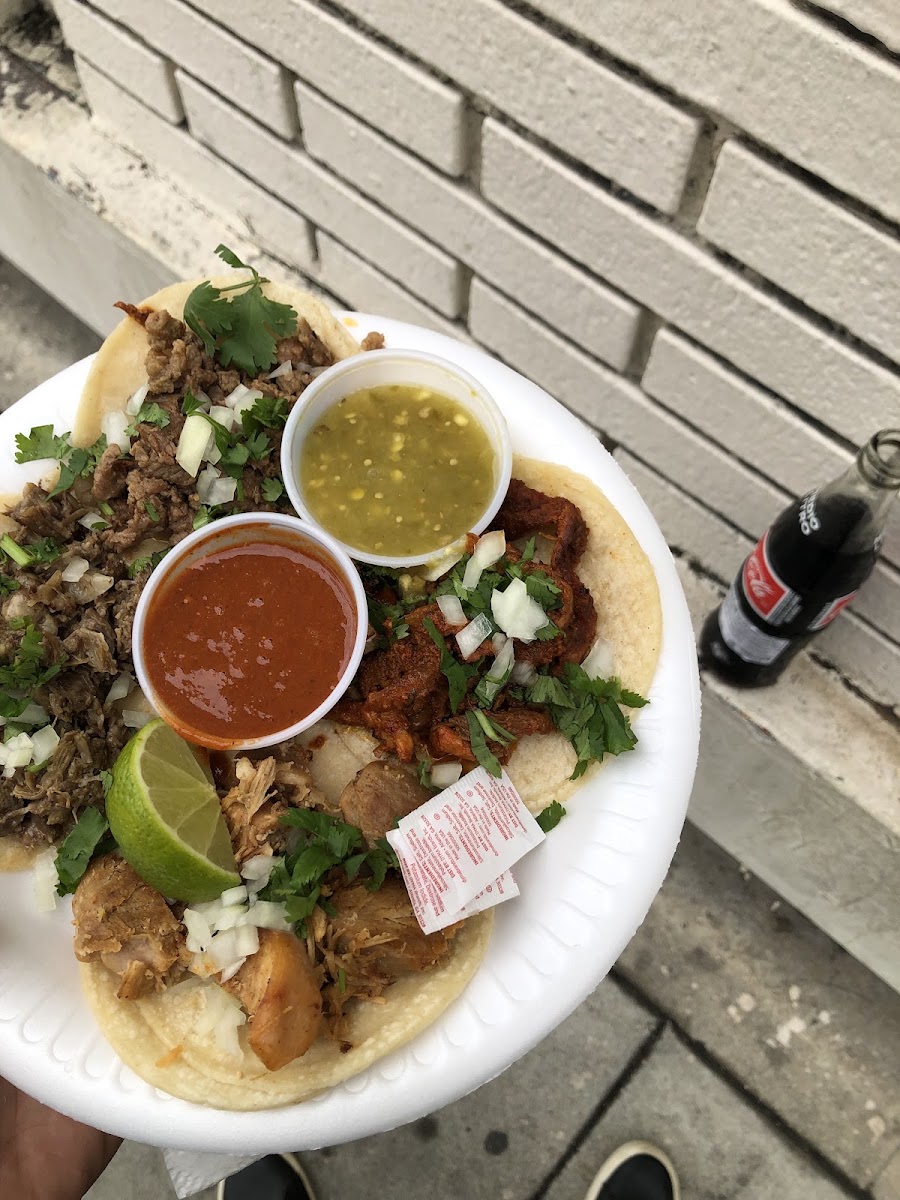
Tacos Manzanillo
4040 N Eagle Rock Blvd, Los Angeles, CA 90065, United States See place details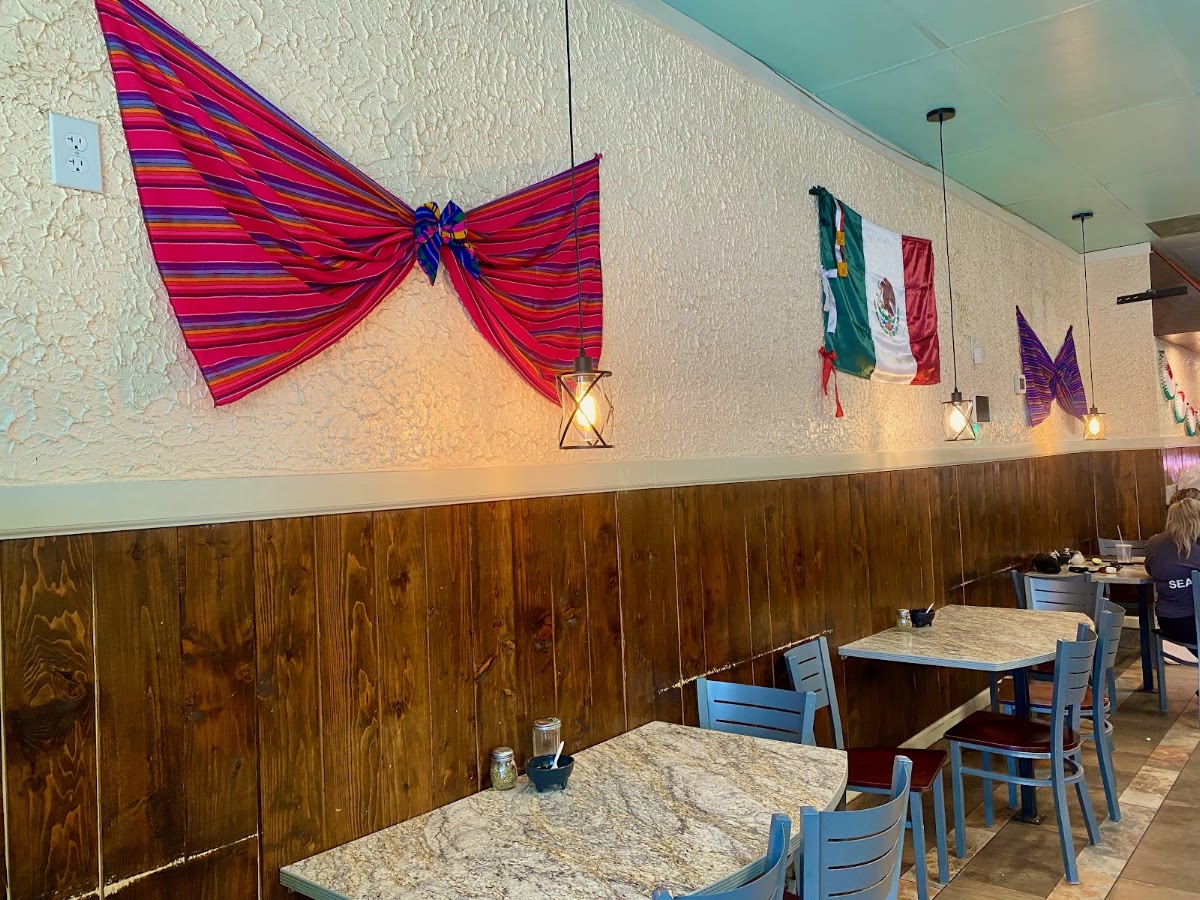
Taqueria Las Maravillas
1529 W Meeker St Ste 105, Kent, WA 98032, United States See place details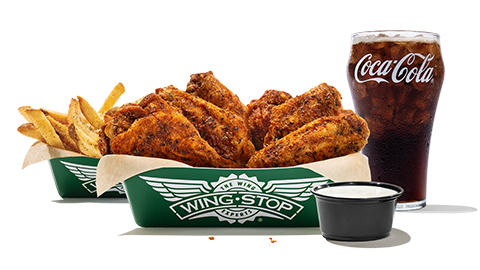
Wingstop
1333 W State Rd 2 Suite 104, La Porte, IN 46350, United States See place details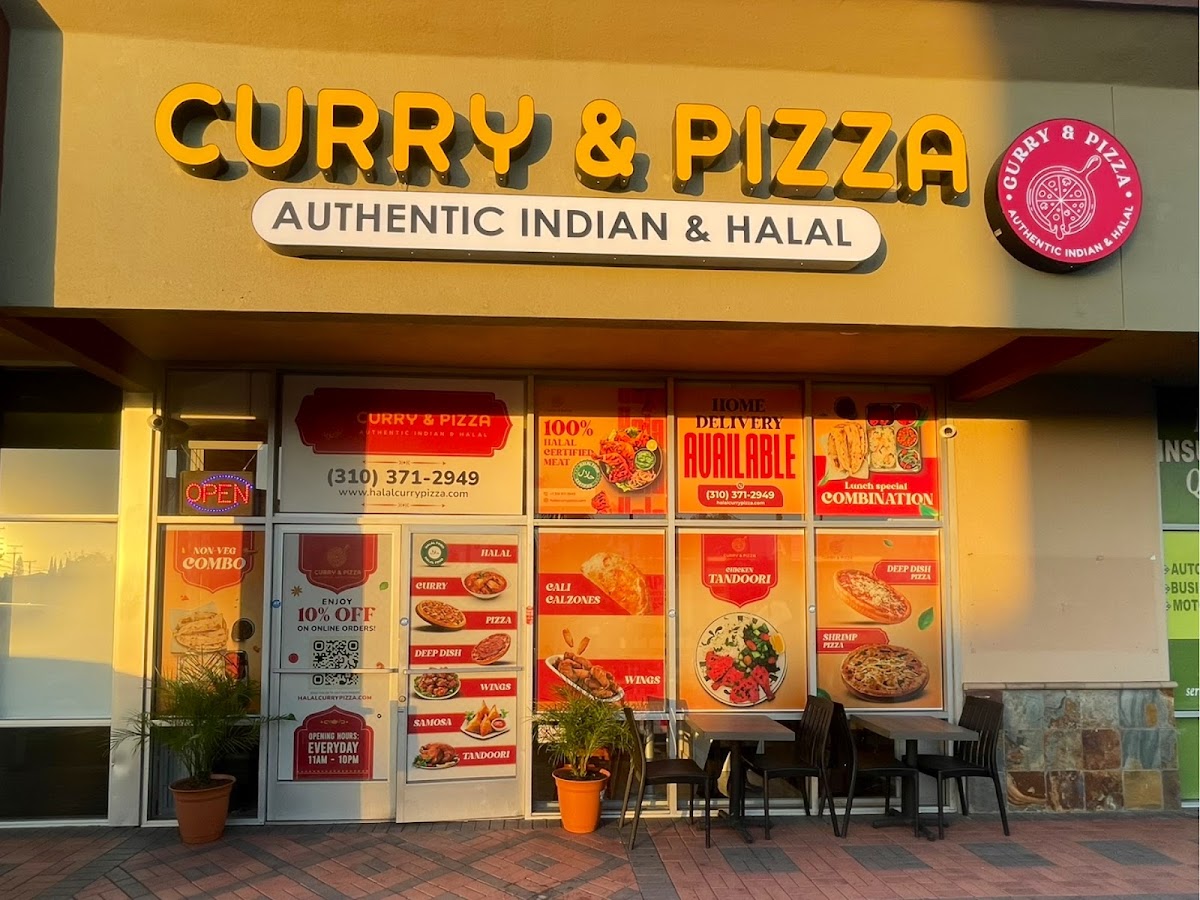
India’s Halal Curry & Pizza restaurant Torrance
3939 Artesia Blvd, Torrance, CA 90504, United States See place details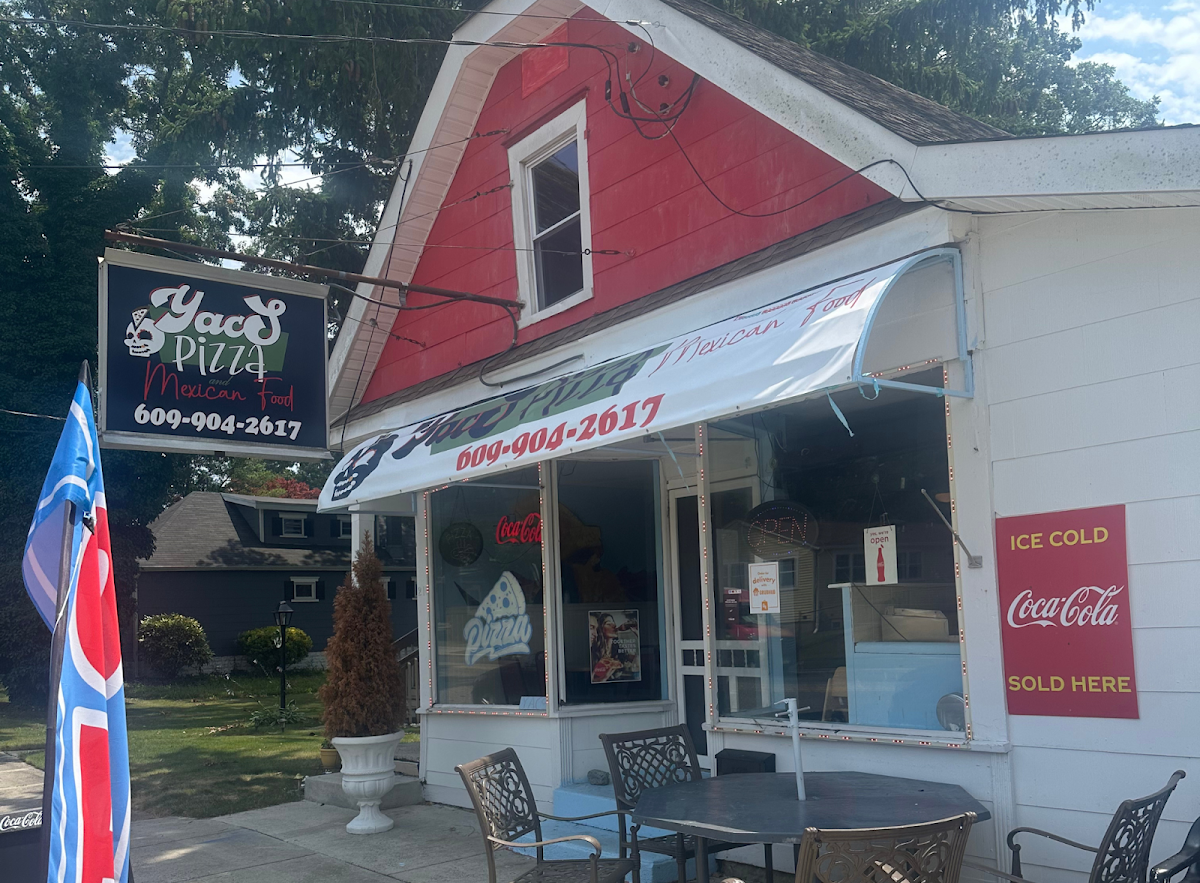
Yacs Pizza and Mexican Food
218 W New York Ave, Somers Point, NJ 08244, United States See place details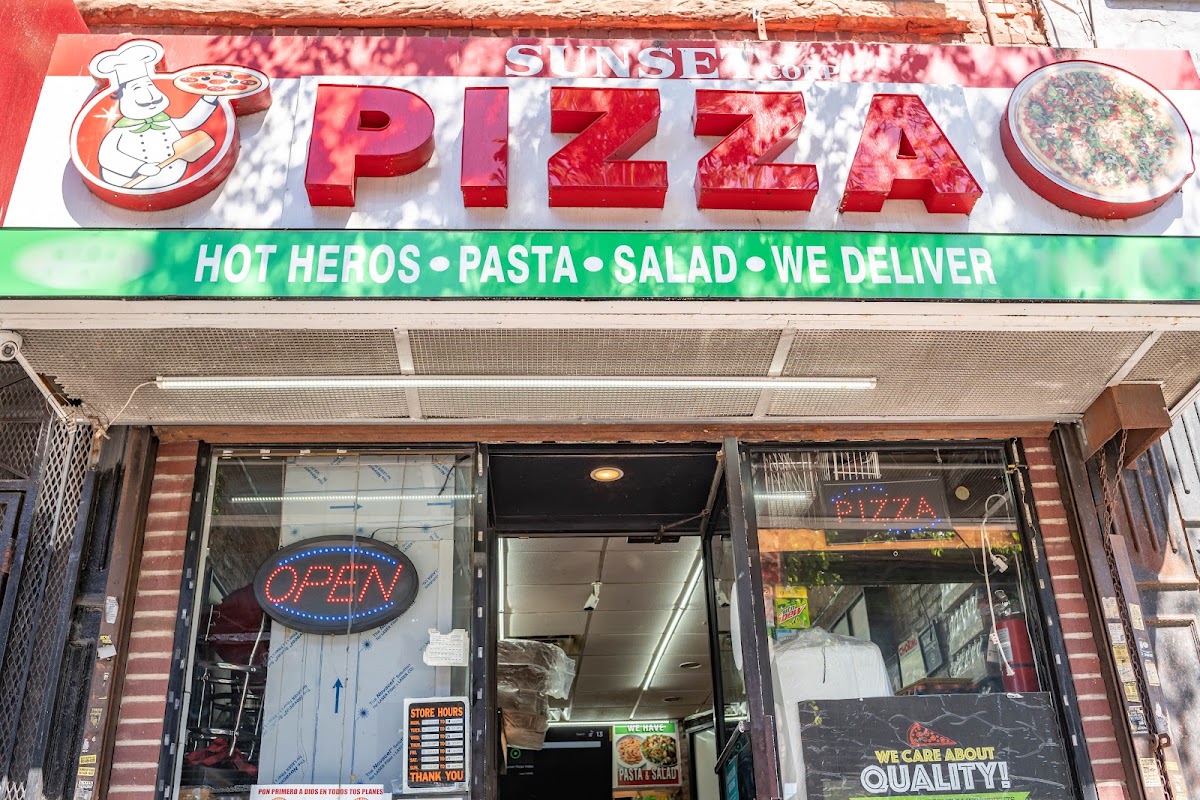
Sunset Pizza
4704 3rd Ave, Brooklyn, NY 11220, United States See place details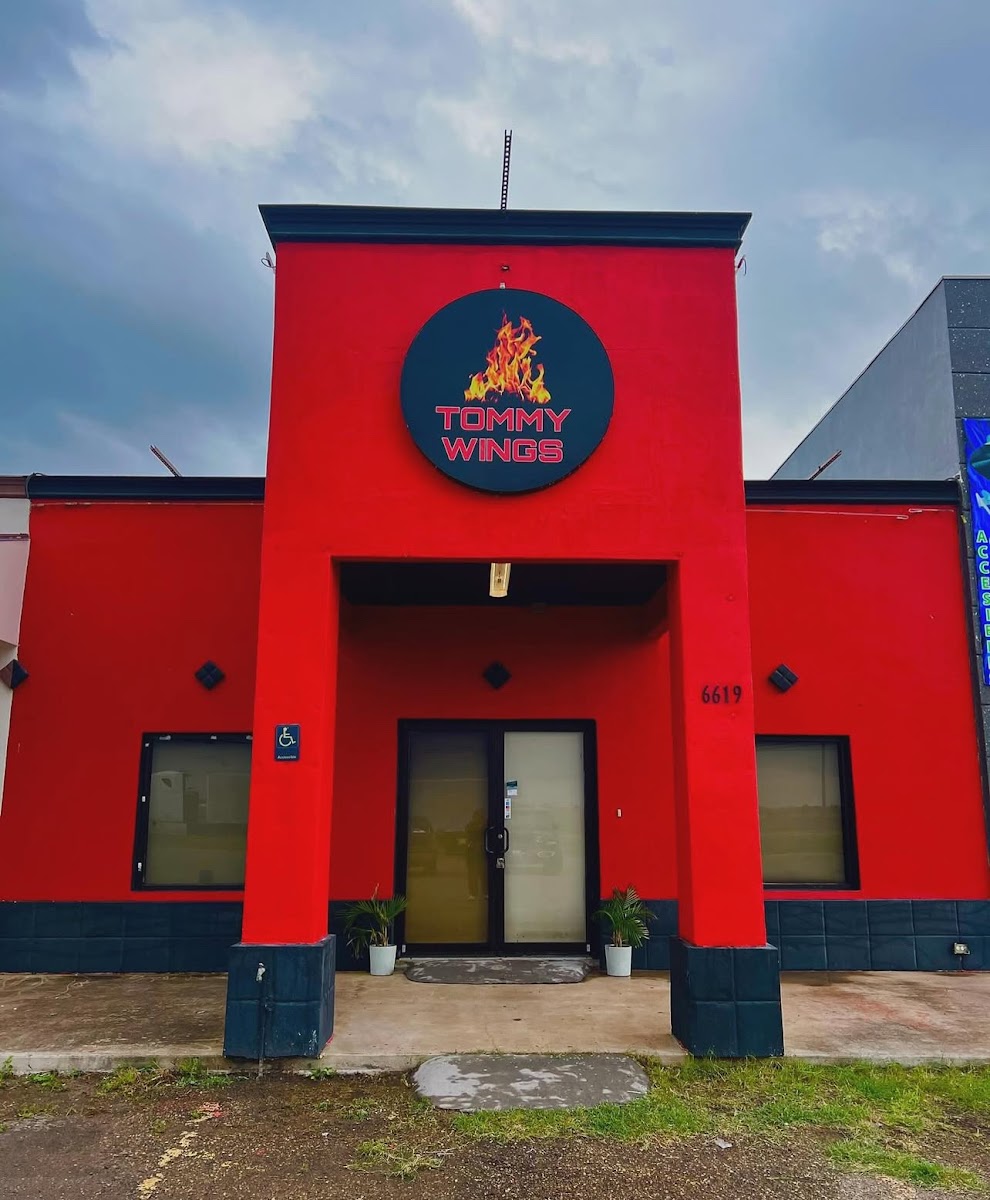
Tommy Wings
6619 S Jackson Rd, Pharr, TX 78577, United States See place detailsHow this neighborhood view relates to nearby search
Use this page when you want to plan around a named area rather than your exact current position.
The neighborhood view is best when you are planning ahead for an area you choose, while “Menus near you” is better when you are already on the street and want the closest options around where you stand.
You can move between this page, “Menus near you”, and the homepage at any time to match how you are deciding where to eat.